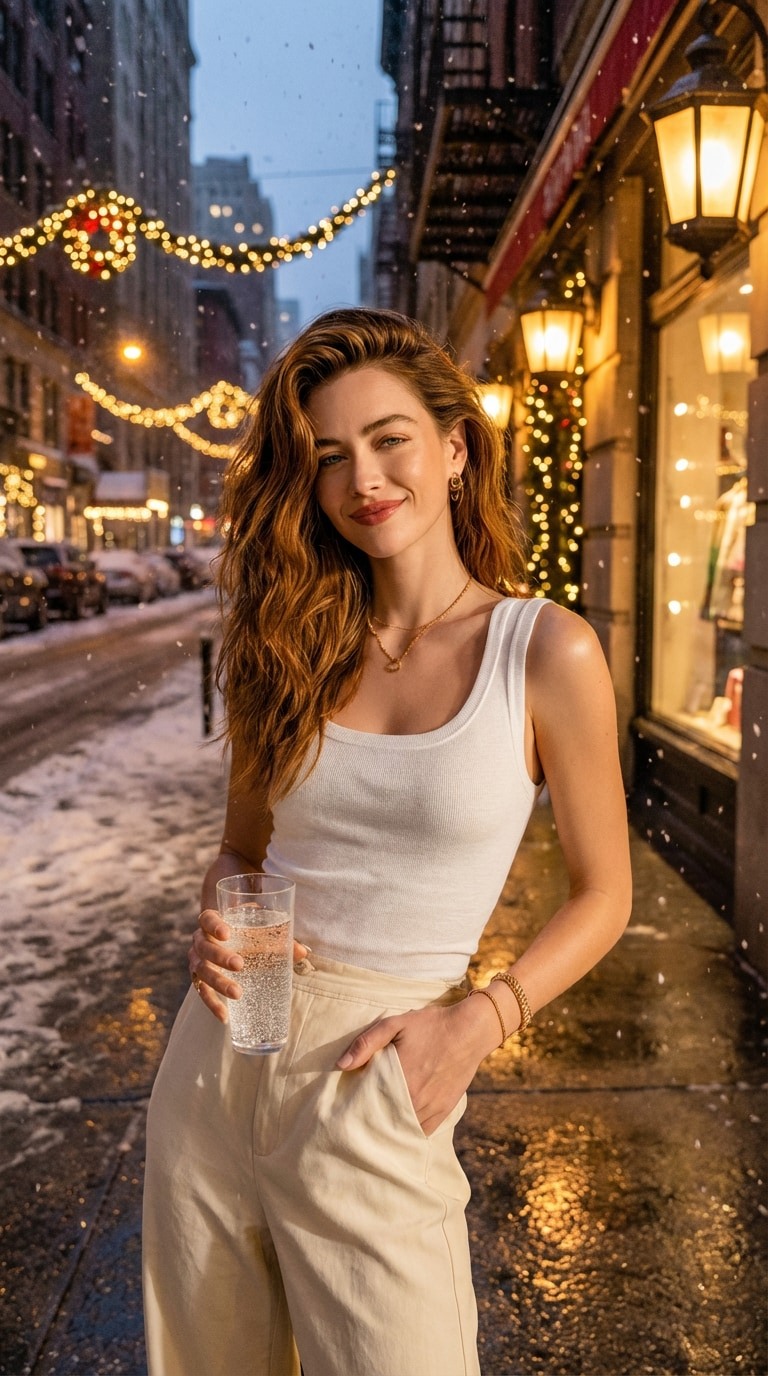
How does AI add Christmas lights to a photo?
A Christmas lights photo editor adds festive bulbs and their glow to a photo you already have. It is useful for holiday portraits, a decorated home preview or a seasonal social post without hanging real lights first.
Choose warm white for a classic glow, colorful bulbs for a playful scene or fairy-light bokeh for a softer background. GenBay asks the model to preserve your subject and composition while blending light into the original perspective.
Your scene, with a little more glow.
Select Person, Pet or Place / object to match your upload. The edit aims to retain faces, markings, architecture and objects, but AI can change details. This is a visual concept, not a wiring diagram, bulb count or an installation plan.
How to make your own version
- Select the template and subject, then upload a clear photo you have permission to use.
- Choose 1K or 2K, square or portrait. 1K: 5 credits · 2K: 10 credits, one image per task.
- Use shared credits or purchase with your email. Any people shown must be consenting adults.
- Once accepted you can leave, follow progress in My creations and sign in to download your private result.