How to Turn Your Photo into Gingerbread Art: Five AI Templates
Make gingerbread art from your photo. Compare five templates, prepare a single portrait, couple, pet or house photo, and understand image credits and private downloads.
To turn your photo into gingerbread art, choose a template in the AI Gingerbread Generator, upload the matching photo, and select the image size and shape. Your portrait, couple, pet or house becomes a digital cookie-style picture with icing details. Each task makes one image in one selected template.
Which gingerbread template matches my photo?
The previews below are existing Template Previews, not paid GenBay test outputs. They illustrate the five available looks; identity, icing and composition can vary with your photo.
| Template Preview | Photo to prepare |
|---|---|
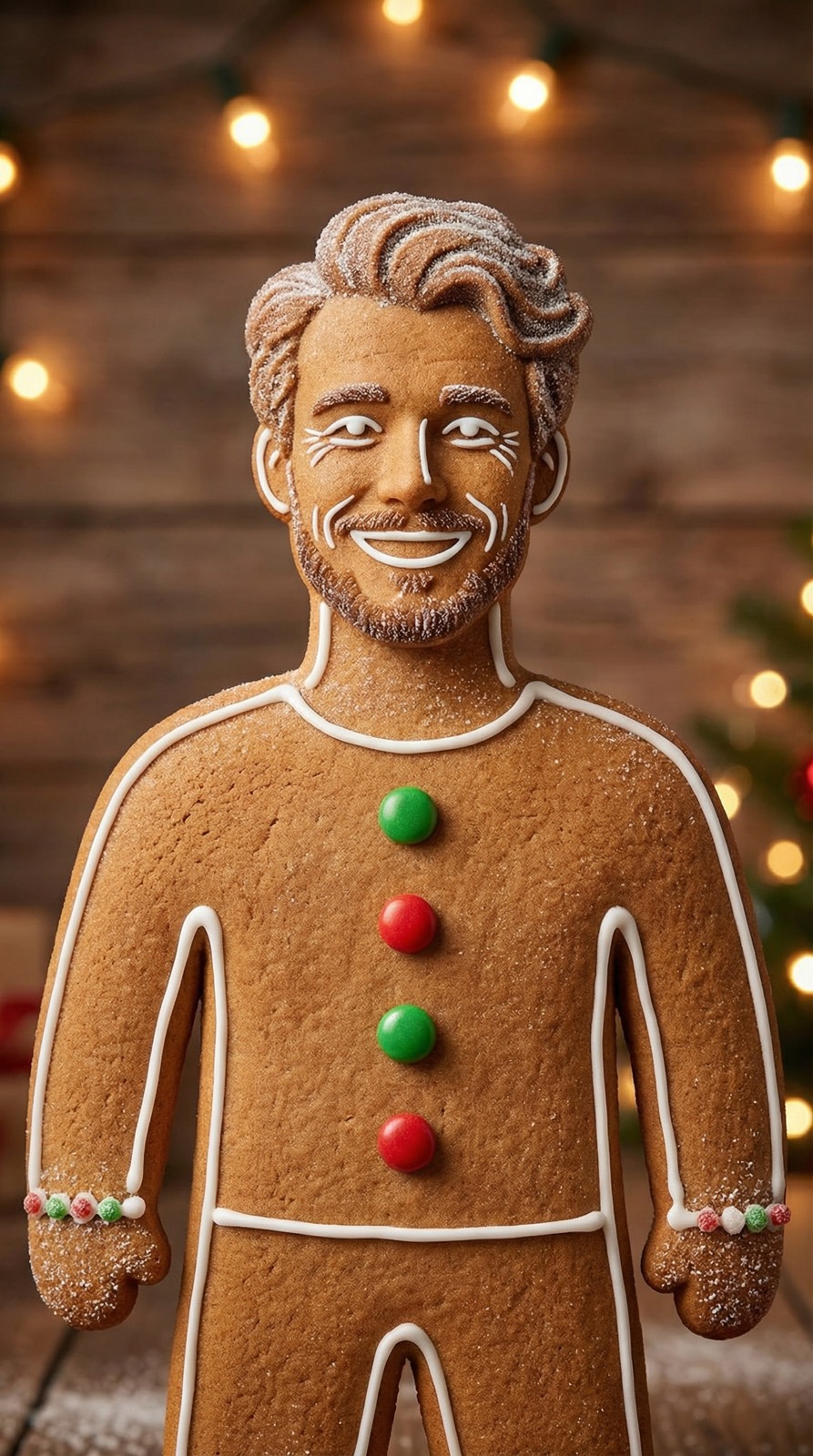 Cookie portrait | One consenting adult, with a clear face and visible outfit. |
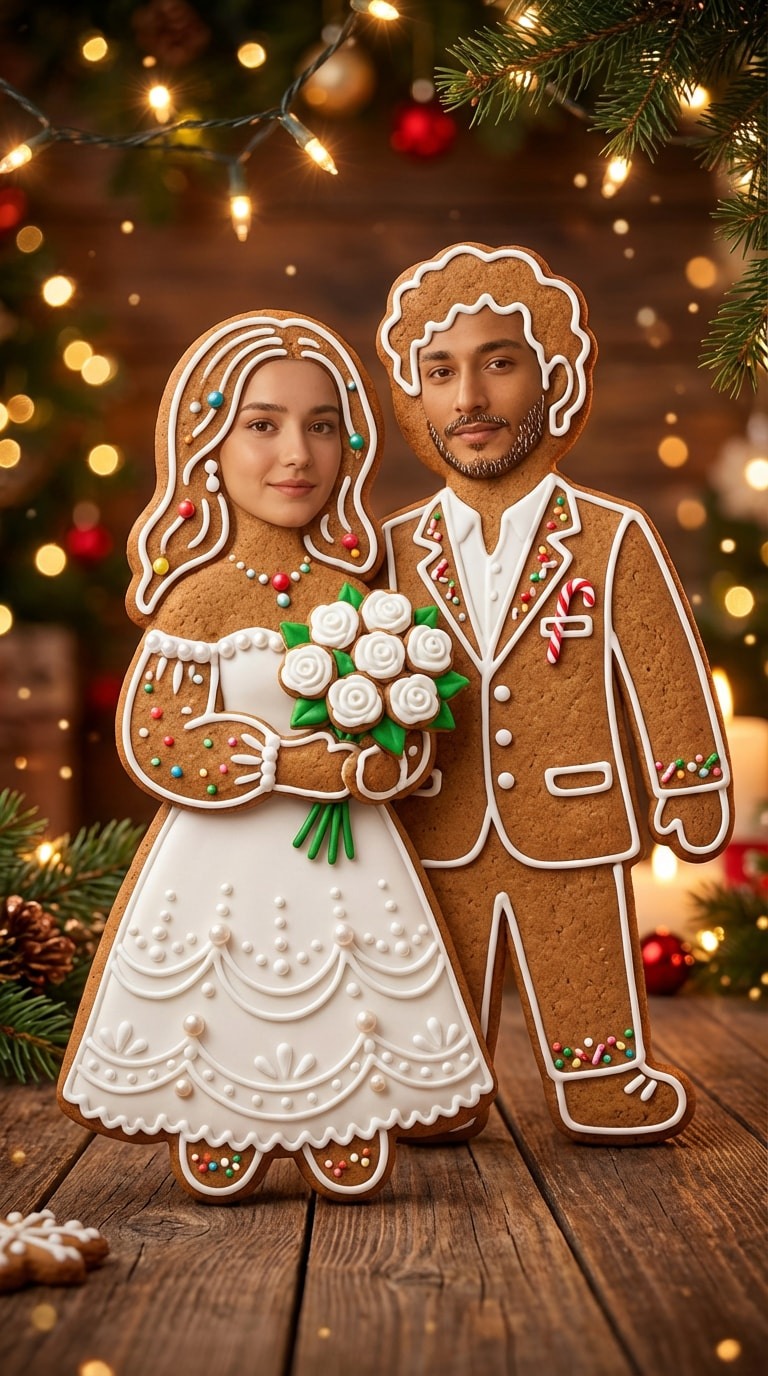 Cookie couple | ONE photo showing TWO consenting adults, with both faces visible. |
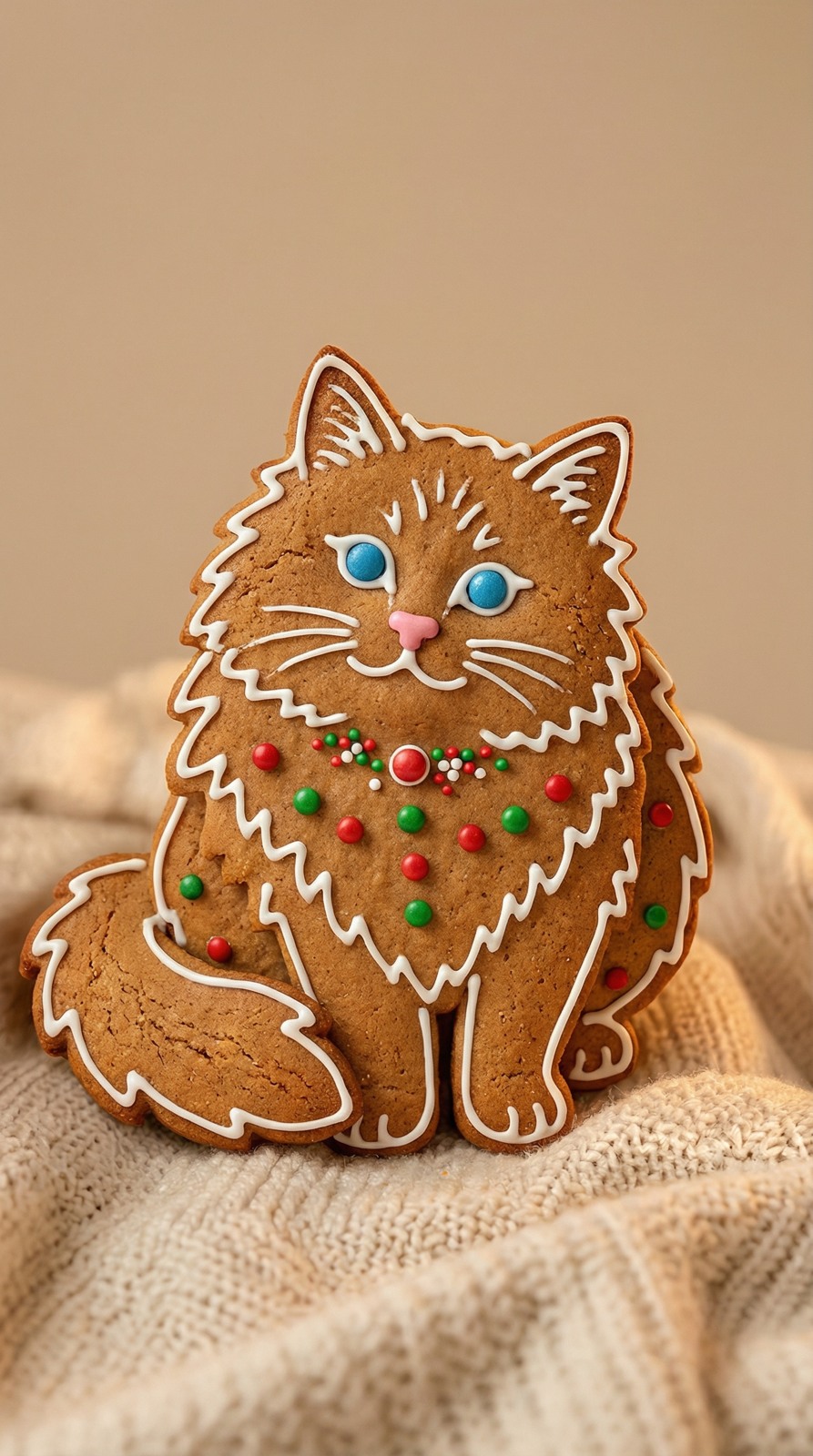 Gingerbread pet | One cat or dog, with its muzzle, ears and distinctive markings visible. |
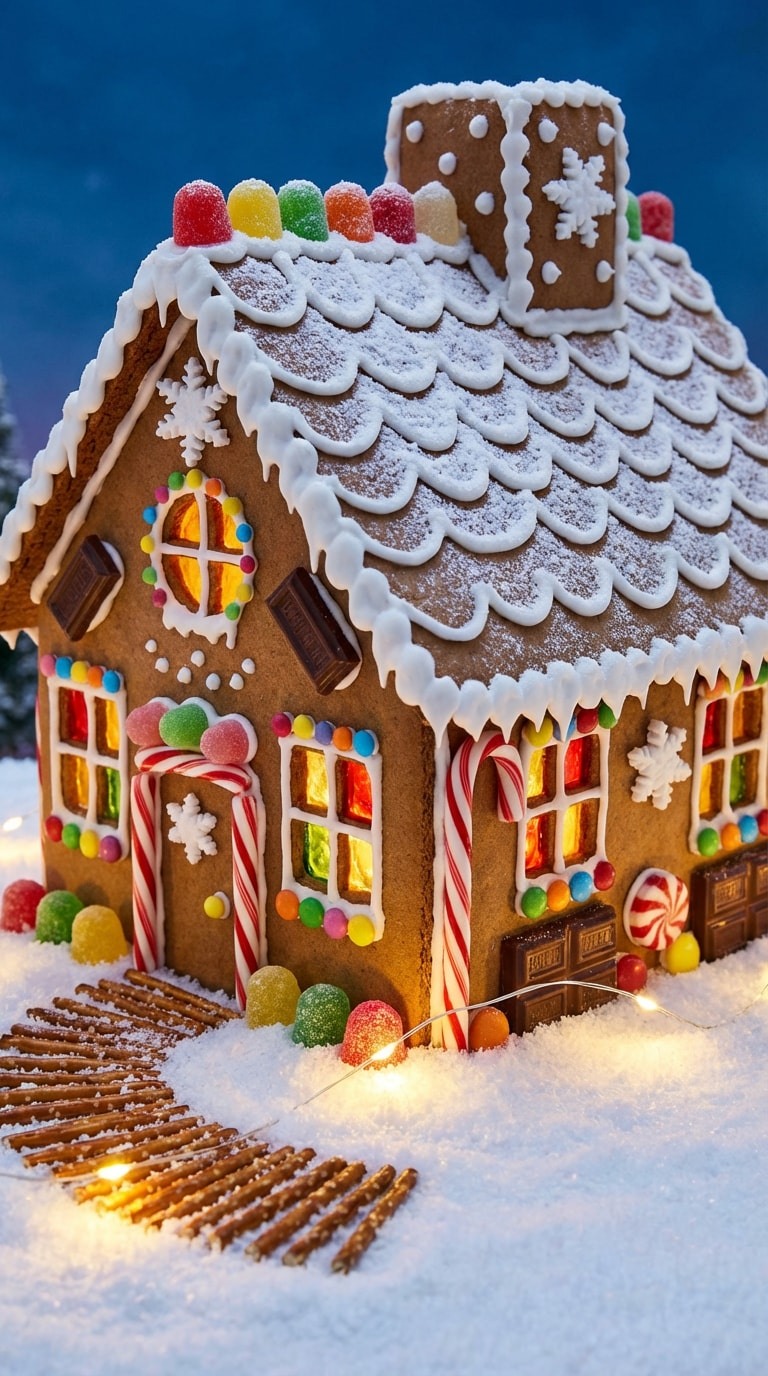 Gingerbread house | A clear photo of your own building, showing rooflines, doors and windows. |
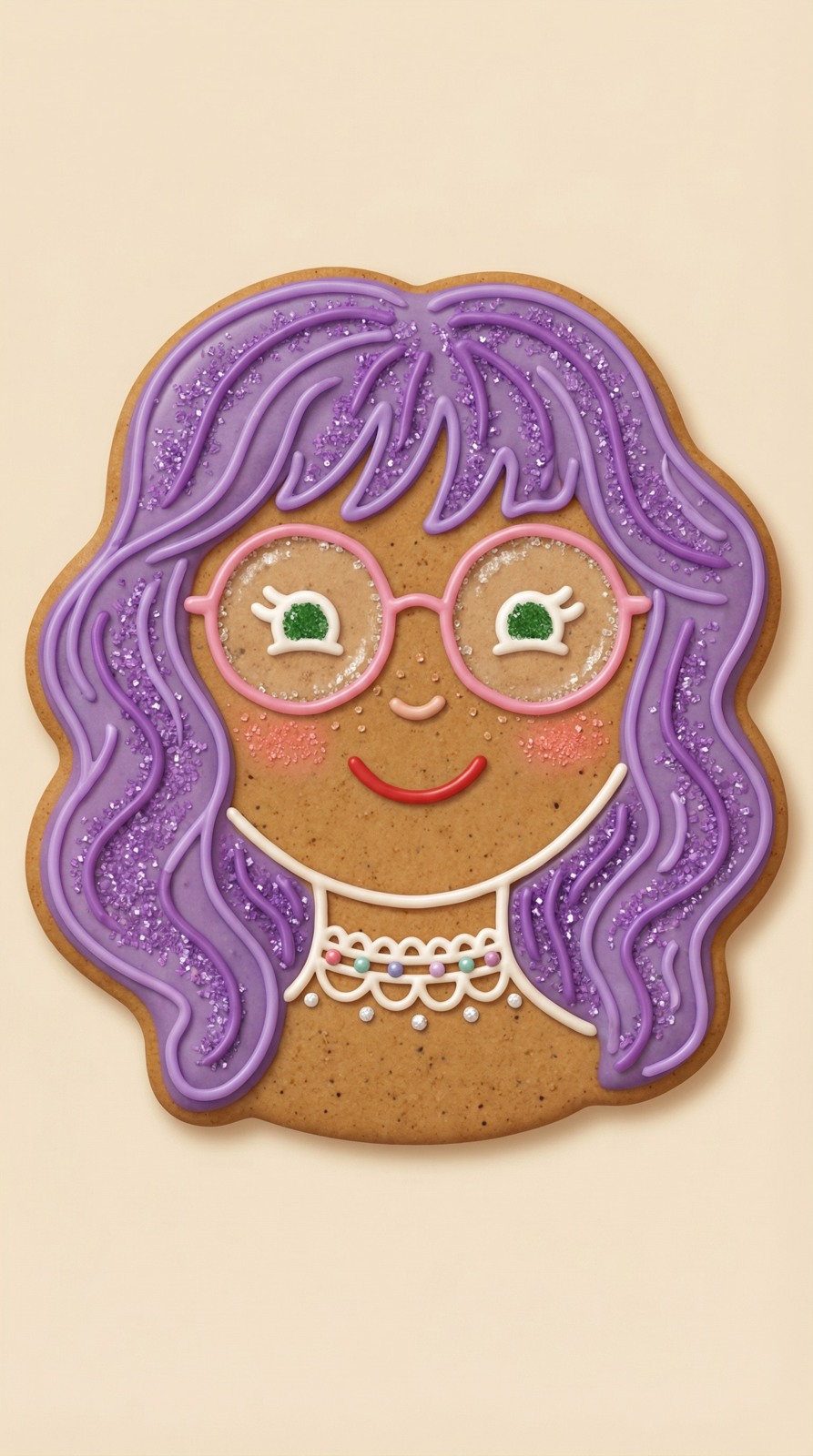 Icing avatar | One adult or pet, framed clearly for a centered icing-style avatar. |
1. Choose the template before uploading
For a gingerbread couple photo, use one shared picture of two consenting adults. The current effect does not combine two separately uploaded portraits. Keep both faces clear and avoid overlapping heads or heavy filters.
For a gingerbread pet, use one cat or dog with visible ears, muzzle and coat markings. A gingerbread house starts with a building photo, rather than an empty text prompt. It creates an image of a cookie-style building, not measured pieces for baking or construction.
Use a JPG, PNG or WebP up to 4 MB. Any person pictured must be a consenting adult; children and public figures are not supported. Select Person, Pet or Place / object to match the actual photo, and confirm permission to use it.
2. Select the image quote and composition
Choose 1K / 5 credits or 2K / 10 credits. Square and portrait shapes are available. These are output presets; a larger size does not guarantee a better face or more accurate icing.
The selected template is saved with the task and checkout. You receive one result, rather than all five templates together. Check the selection before starting.
3. Pay or use existing credits, then follow the task
Upload the required photos and confirm permission, then use your own email to buy a credit pack. Confirmed payment reserves the credits for this creation and starts generation automatically. Existing members can sign in to use their balance. Use the same purchase email to securely access and download your result; we guide you through verification when it is ready.Current one-time credit packs: $1.99 / 40 credits · $5.99 / 200 credits · $8.99 / 300 credits · $14.99 / 600 credits · $27.99 / 1200 credits. The per-image credit quote is different from the pack’s upfront price. See Pricing for the active offer; remaining credits stay available for other GenBay effects. There is no separate gingerbread subscription.
An accepted task continues after you leave. Return to My creations and inspect the original task instead of submitting it again while waiting. This recipe has no measured delivery-time guarantee.
4. Check the cookie details before sharing
Compare faces, ears, paws, the number of people, glasses, clothing and roof shapes with your photo. AI may simplify small details, invent lettering or change proportions. Describe the result as an AI-generated gingerbread image; no physical cookie, edible product, print-ready model or baking pattern is delivered.
A confirmed technical failure returns the charged task credits. For a serious quality issue, use support and the refund policy; a new generation is a separate attempt.
Which Christmas effect should I use next?
Use Christmas lights when you want a lighting edit around a familiar scene. Use AI Elf Dance for a moving solo adult or pet greeting. A gingerbread transformation changes the subject into cookie art instead of preserving its original material.