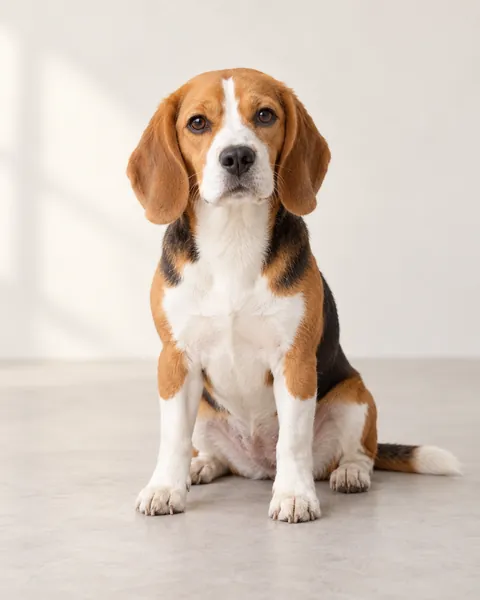
Both pets change. Photo 1 is the lamp-side dancer, initially on the viewer’s left; photo 2 is the hedge-side partner, initially on the right. Keep those roles through turns and the final hug. The brick path, garden and lamp come from the template.
Once accepted, your task keeps running. Follow it in My creations; with work updates enabled, we email you when it is ready.
✳
What changes in your video?
Both pets change. Photo 1 is the lamp-side dancer, initially on the viewer’s left; photo 2 is the hedge-side partner, initially on the right. Keep those roles through turns and the final hug. The brick path, garden and lamp come from the template.
Strike A Pole AI is the garden lamp-post pet duet: one pet swings around a vintage lamp, a partner joins, and the two sway face to face before a playful hug. The brick path, hedge and continuous moving camera make this specific version recognizable.
Use two separate pet photos to replace both roles. The first follows the lamp-side dancer; the second follows the companion by the hedge. The template supplies the garden and choreography. This version supports two cats, two dogs or a cat-and-dog pair.
Video specs, credits and starting packs
Mode & output
Credits / video
Starting pack
10 seconds · 720p
200
$5.99 / 200 credits1 video
One-time credit packs: $1.99 / 40 credits · $5.99 / 200 credits · $8.99 / 300 credits · $14.99 / 600 credits · $27.99 / 1200 credits. Credits are shared across available GenBay effects. No subscription; applicable tax is shown at checkout.
Portrait MP4; actual duration can vary from the target. Video counts apply to the mode in that row; unused credits remain. See credit packs ↗
The swing, the duet and the hug
Both pets change. Photo 1 is the lamp-side dancer, initially on the viewer’s left; photo 2 is the hedge-side partner, initially on the right. Keep those roles through turns and the final hug. The brick path, garden and lamp come from the template. The silent reference is paired with our original instrumental music in the finished clip. 720p portrait MP4. AI can alter markings, paws, expressions or prop contact; inspect the full result before sharing.
How to make your pet video
Two separate cat or dog photos. One pet per photo, with the face, paws and whole body visible.
Add each photo to its own left/right role and confirm permission for both.
Review 10s / 720p / 200 credits. Pay with your email, or sign in to use existing credits.
Once accepted, follow progress in My creations; ready emails follow your notification settings.
Play the complete video, check identities and the ending, then download or share.