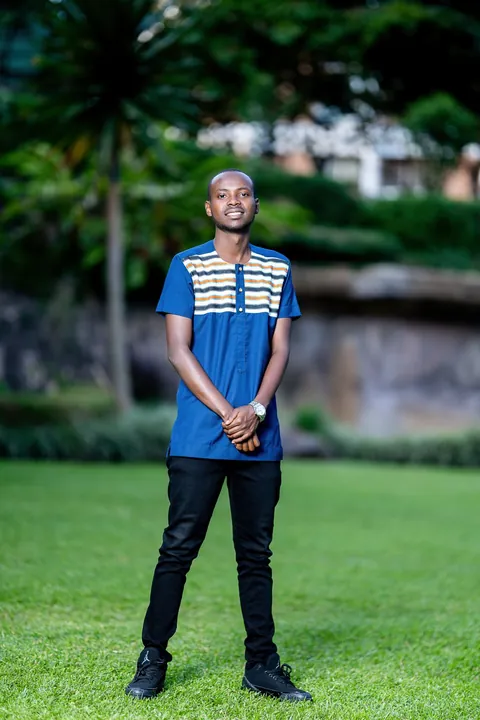
Your photo guides one adult or one cat/dog in a new Christmas scene. The preview illustrates the style; room, costume details and movement can vary. No group version.
One consenting adult or one cat/dog. By generating, you agree to our acceptable use policy.
01 Add a photo02 Generate03 Make it yours
A GOOD PHOTO GOES A LONG WAY
Which photos work best for AI Elf Dance?
One adult, cat or dog. Show the face and most of the body clearly. No group photos.
THE STARTING PHOTO
Photo requirements
A clear face, in even light
One adult or one cat/dog, with most of the body visible
Permission for the photo; any person must be a consenting adult
Avoid groups, children, public figures, covered faces and heavy filters.
Video length and credit cost
10 seconds200 credits
A sparkling costume reveal, side-to-side hops, heel lifts, swinging arms or furry paws, and a cheerful finishing pose.
720p · 9:16 · MP4
Includes the template soundtrack. GenBay does not grant a music licence for that recording; check the rights required for your platform and intended use before posting.
Once accepted, your task keeps running. Follow it in My creations; with work updates enabled, we email you when it is ready.
✳
What changes in your video?
Your photo guides one adult or one cat/dog in a new Christmas scene. The preview illustrates the style; room, costume details and movement can vary. No group version.
An AI Elf Dance turns a photo into a festive character in a red-and-green elf outfit, then adds playful Christmas movement. A pointed hat, little hops and a warm tree-lit room make it a holiday greeting you can share as a short video.
GenBay uses one photo of a consenting adult or one cat or dog. The photo supplies the identity; the new video supplies the elf costume and Christmas setting. You do not need to film a dance, write a prompt or upload a reference clip.
This is a photo-led Christmas scene, rather than a cut-out face pasted onto a classic group-dance cartoon. Movement, room details and framing can vary; the preview illustrates the style.
Video specs, credits and starting packs
Mode & output
Credits / video
Starting pack
10 seconds · 720p
200
$5.99 / 200 credits1 video
One-time credit packs: $5.99 / 200 credits · $8.99 / 300 credits · $14.99 / 600 credits · $27.99 / 1200 credits. Credits are shared across available GenBay effects. No subscription; applicable tax is shown at checkout.
Portrait MP4; actual duration can vary from the target. Video counts apply to the mode in that row; unused credits remain. See credit packs ↗
One photo. A Christmas alter ego.
The 10-second scene starts with a sparkling elf-outfit reveal, continues with visible side steps, hops and arm or paw movement, then ends with a cheerful closer pose. Adults keep a recognizable face and hair; pets keep their species, muzzle and fur. The output is a 720p portrait MP4 with a festive template soundtrack. AI can alter likeness or anatomy, so review the whole clip before sharing.
How to make an AI Christmas elf dance
Choose one sharp photo of one adult, cat or dog, with the face and most of the body visible. Avoid group photos, covered faces and heavy filters.
Add the photo and confirm you have permission to use it. Any person shown must be an adult who agreed.
Review 10 seconds / 720p / 200 credits. Sign in to use credits, or pay with your email through the shared checkout.
Once accepted, you can leave and follow the saved task in My creations. With work updates enabled, a ready email links back to your creation.
Check the face or muzzle, limbs and costume, play with sound, and download the MP4. Use your posting platform’s AI-label and music rules.