Pets Making Coffee AI: Make a Pet Barista Video with Two Photos
Choose two pet photos, assign the coffee maker and companion, and make a 15-second pet barista video. A practical guide to cat-and-dog pairings, credits and sharing.
To make a Pets Making Coffee AI video, add two separate pet photos to the pet coffee generator. Put the coffee maker in the left slot and the companion in the right slot. The scene supplies the kitchen and coffee mishap; your photos supply both pets.
Watch the complete little coffee disaster
One pet pours, its partner reaches for the milk, a spill spreads, and two innocent faces look back at the camera. Check the whole template, including the paws-over-face ending, before choosing your pair.
1. Choose two separate pet photos
Each image should show just one cat or dog. A clear face, visible ears and chest, even light and distinctive fur markings help define the intended identity. Avoid a person holding the pet, toys over its face, a dark silhouette or a screenshot with stickers.
The photos can be taken in different rooms and at different times. They do not need a coffee counter or matching backgrounds. Two cats, two dogs, or a cat and a dog are supported; you need permission to use both photos.
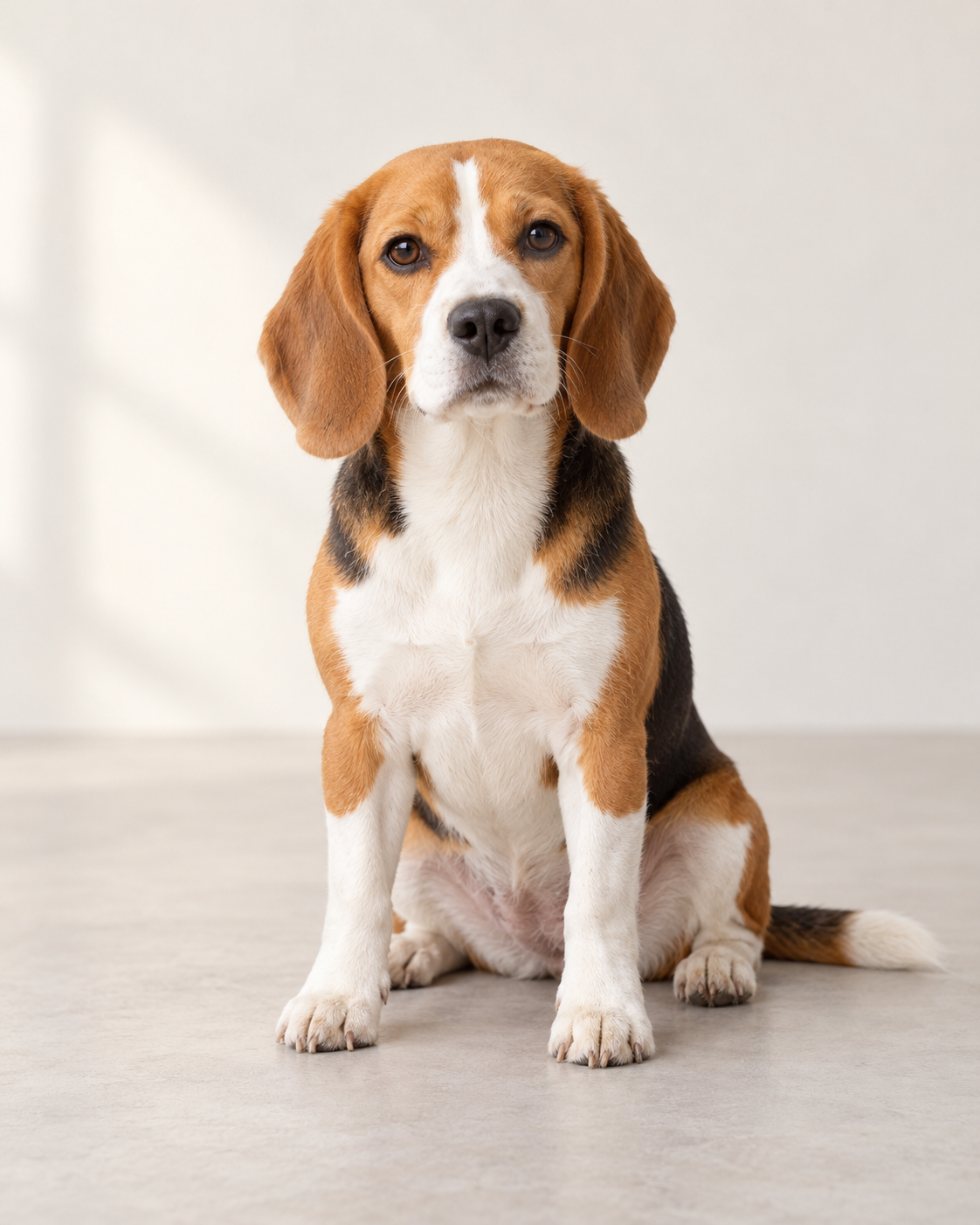
One pet per photo.
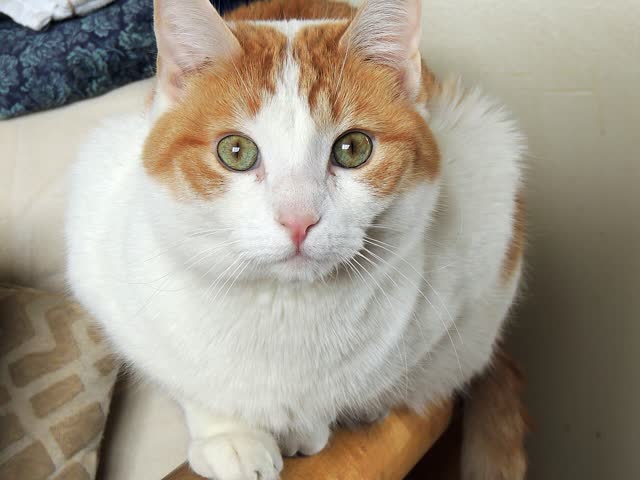
A second, separate identity photo.
These are photo-preparation examples. Choose each of your own pets in its own upload slot.
2. Assign the left and right roles
Left and right mean the viewer’s sides at the start of the template. Left pet is the coffee maker; right pet is the companion beside the mug. They keep their roles when they turn or cover their faces.
The direction your pet looks in its photo does not choose its role. The upload slot does. Check both previews before continuing; change the selected image if you placed a pet on the wrong side. A group photo of two pets is not a substitute for the two required uploads.
3. Review the quote and start
One portrait MP4 is 15 seconds, 720p and 300 credits. Credit packs are shared with other GenBay effects.
Confirm your permission for both photos. Sign in to use existing credits, or continue with your email and the smallest available pack sufficient for this task. Review the displayed price before payment; you do not need to buy a separate subscription for this effect.
4. Leave, return and check the result
Once accepted, the task is saved in My creations and keeps running after you leave. Pending and failed cards retain the input-photo context. Enabled work notifications send a ready email; a pending task is not a reason to submit another paid generation.
Play the complete result. Check that the two faces and markings stay distinct, that paws make sensible contact with the kettle or bottle, and that the ending is present. AI can change details, so check the result before sharing. A confirmed technical failure follows the shared credit-return rules.
Common photo problems and quick fixes
- Only one upload: add the second pet; both roles need their own image.
- Two pets in one picture: use separate single-pet photos instead.
- Wrong pet doing the pouring: correct the left slot before starting.
- Expecting your own kitchen: the reference supplies the kitchen; the input backgrounds do not stay.
- Unclear face or fur: select a sharper photo with less obstruction.
Download and share the pet barista video
Download the MP4 or use the sharing controls beside your saved creation. Review the template sound and follow your posting platform’s AI-label and audio rules. The generation is a fictional kitchen comedy; no real pet needs to handle hot coffee for your input photo.
Want a one-pet Christmas scene next? Try AI Elf Dance. For a different pet performance, see Bad Times AI for Pets and its single-pet photo guide.